Plan and price the work
Prepare the BOQ and cost proposal, build the activity schedule, and produce planning documents.
WINDOWS DESKTOP APPLICATION
Prepare the BOQ and schedule, record site progress, generate project reports, and manage billings and collections in one project workspace.
Built for contractors, engineers, schedulers, and project controls teams.
THE B³ PROJECT WORKFLOW
Move from preparing the proposal to updating progress and managing billings. Explore a sample view from each stage below.
Prepare the BOQ and cost proposal, build the activity schedule, and produce planning documents.
Record accomplishments and actual dates, update the schedule, and prepare progress and project-control reports.
Prepare billing documents, review billing history, and track collected and outstanding amounts.
Screenshots use sample project data. Dates, amounts, and statuses shown are examples.
PLANNING & SCHEDULING
Build a work breakdown structure (WBS) and activity schedule. Compare the current schedule with the original plan and actual site progress.
CRITICAL PATH ANALYSIS
Review critical and noncritical activities and see how their relationships connect across the project network. Select the image to inspect it at a larger size.
Sample project view. Open the image for a larger view; the network continues beyond the visible capture.
CONNECTED CAPABILITIES
Organize BOQ items by work section. Manage quantities, unit rates, amounts, cost summaries, and planned cost distribution.
Record work completed each period, update actual dates and remaining duration, and compare planned with actual earned progress.
Prepare down payment, progress, final, and retention billings from recorded BOQ accomplishments and deductions.
Review payment terms, due dates, amounts collected, outstanding balances, and collection status.
Generate activity schedules, cost proposals, accomplishment reports, billing statements, and supporting documents.
Use the same project information as work moves from planning and cost control to progress, billing, and collections.
REPORTS & DOCUMENTS
Prepare schedules, progress reports, and billing documents using the information recorded throughout the project.
Outputs include PDF reports and Excel exports. Explore a complete sample proposal package below.
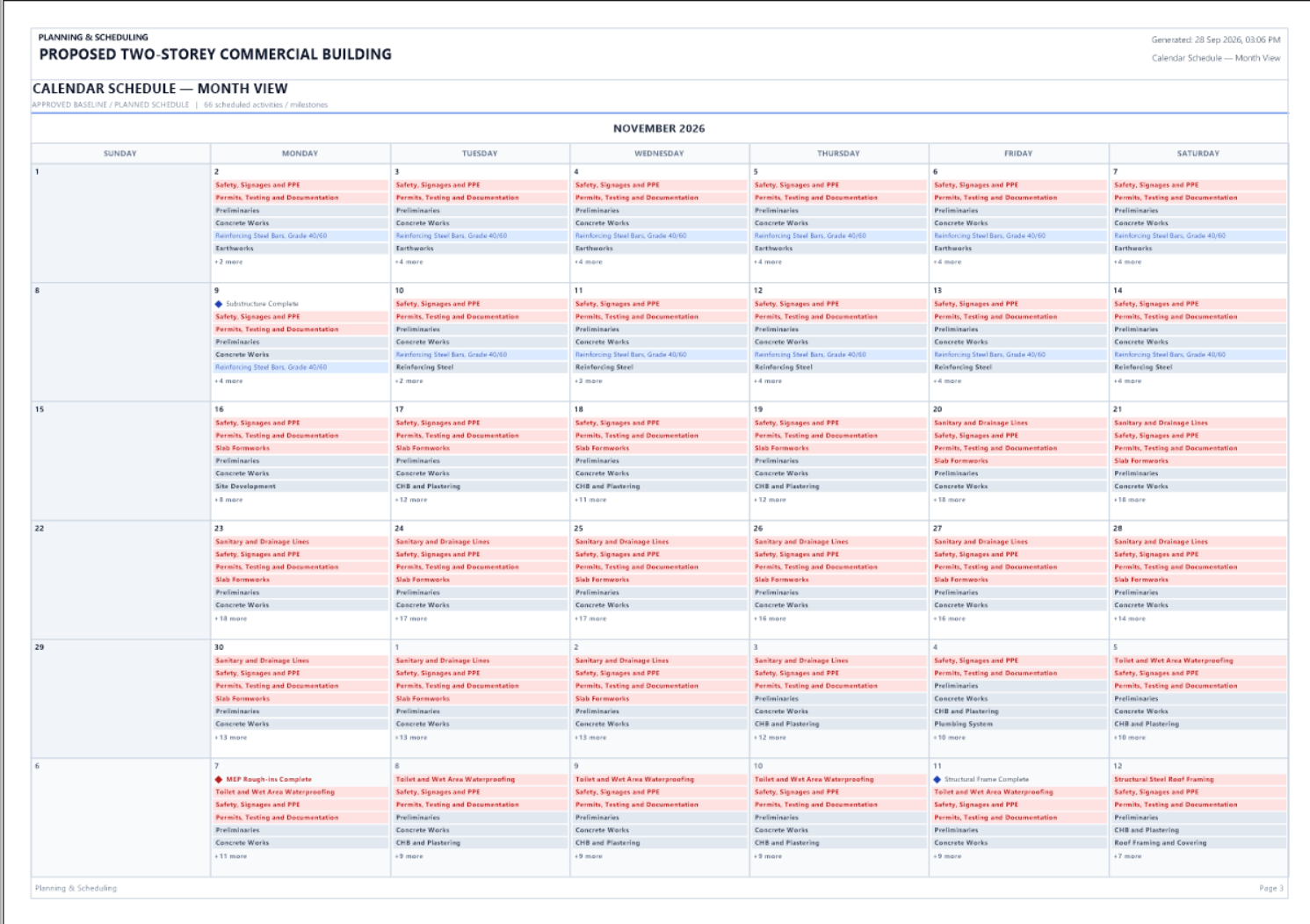
CALENDAR SCHEDULE
The month view presents scheduled activities and milestones on their planned dates, making the project schedule easier to review and share.
WHO IT'S FOR
Civil engineers, contractors, planning engineers, schedulers, project managers, quantity surveyors, estimators, project controls engineers, and construction companies.
SAMPLE OUTPUTS
See how B³ Professional turns project records into complete proposal and progress report packages.
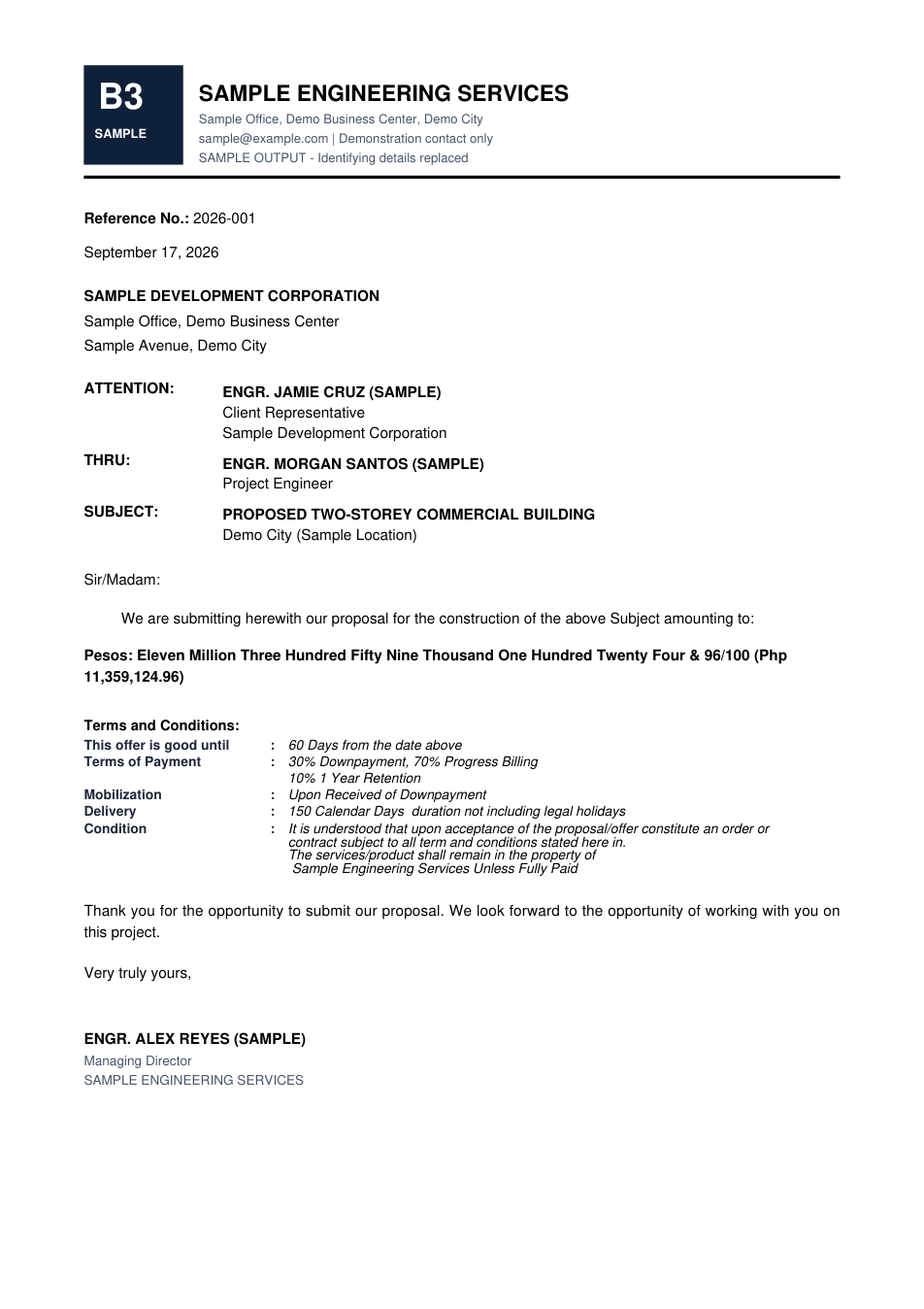 Proposal letter preview ↗
01 / PROJECT PROPOSAL · 30 PAGES
Review the cost proposal and project plan in a scrollable sample viewer.
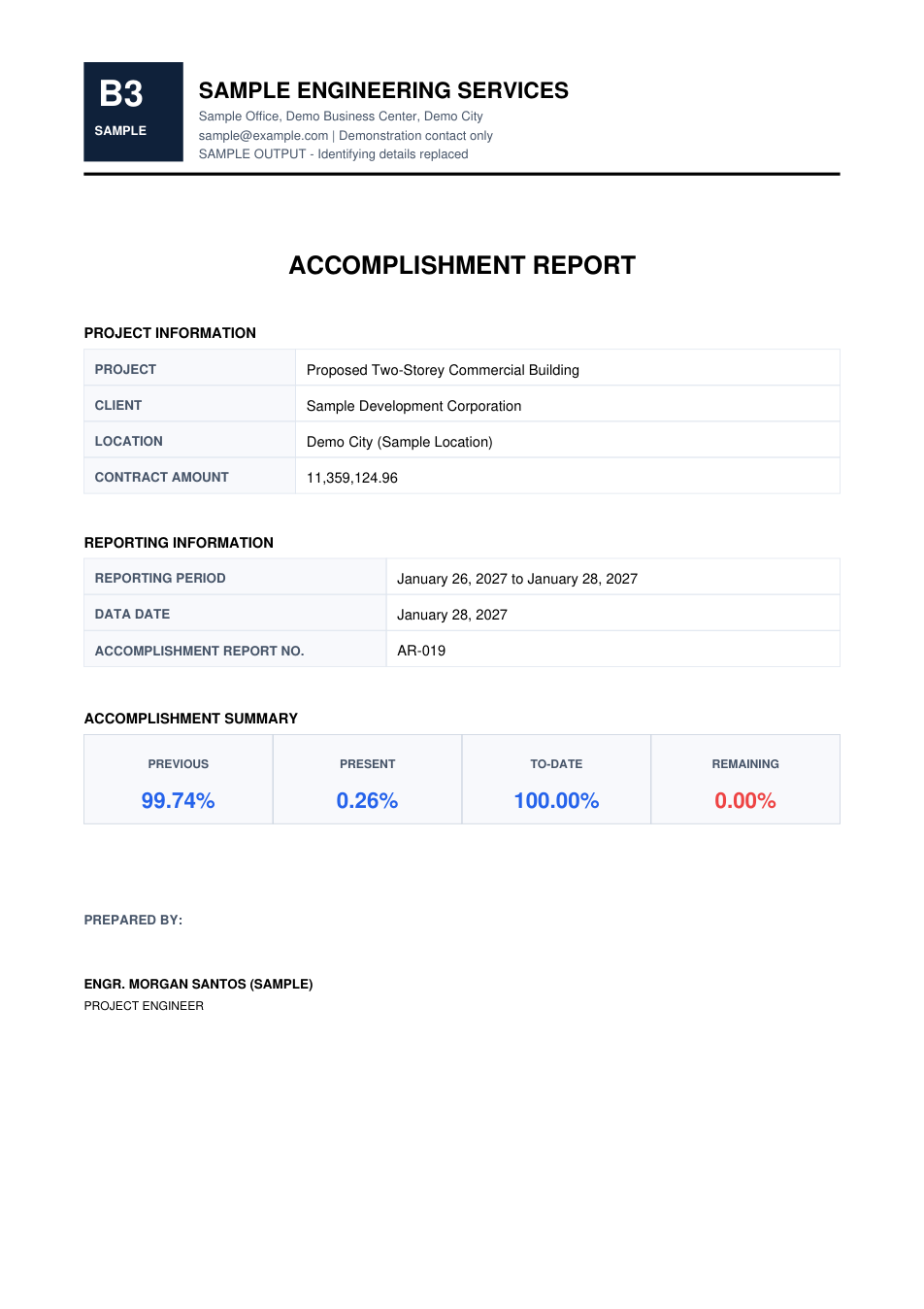 Accomplishment report preview ↗
02 / PROJECT MONITORING · 35 PAGES
Review recorded accomplishments and schedule performance in a scrollable sample viewer.
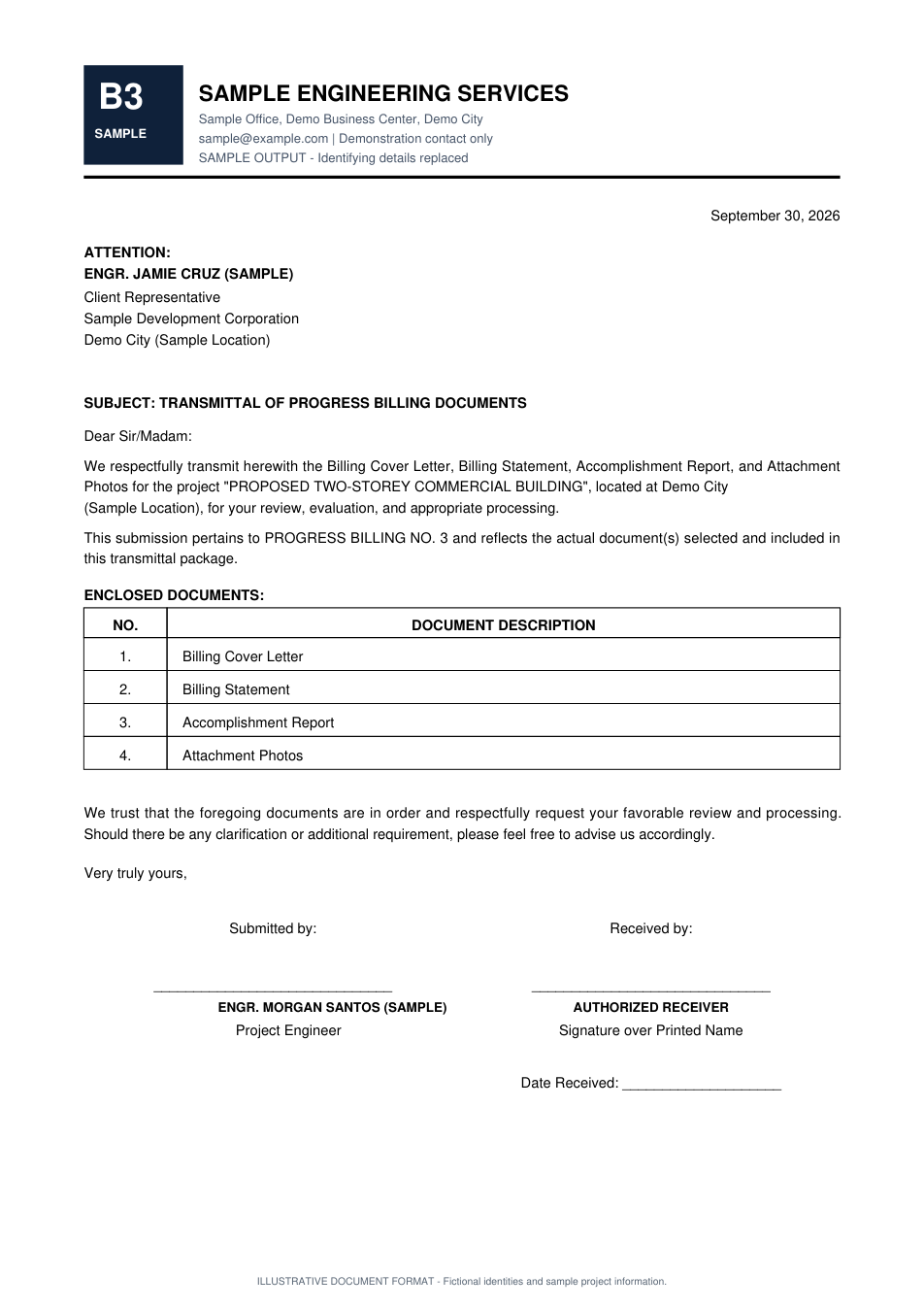 Billing transmittal preview ↗
03 / PROGRESS BILLING · 8 PAGES
Explore sample billing documents prepared for review and processing.
Illustrative document-format sample using fictional names, roles, companies, and locations.
Demonstration copies of the same sample project. Names, positions, companies, contact details, and locations have been replaced consistently. Dates, amounts, and progress figures are presented for demonstration. Photo attachments are illustrative examples. Images in the complete progress report sample are AI-generated, not actual project photographs.
PRICING
Choose a monthly subscription or a one-time license. Each license is for one Windows computer.
MONTHLY
₱499/ month
Approximately US$7.91 / month
Pay month to month as your projects grow.
ONE-TIME
₱3,499one-time
Approximately US$55.48 one-time
Purchase a license for the version provided.
Prices are charged in Philippine pesos. USD amounts are estimates based on ₱63.07 per US$1 as of October 15, 2026; exchange rates and payment-provider fees may vary. Major upgrades and custom features are priced separately. Contact us for a demo and to confirm license and activation terms before purchase.
FAQ
B³ Professional is a Windows desktop application.
You can manage planning and scheduling, BOQ costs, progress updates, billing, collections, and project reports.
Email b3professionalph@gmail.com to request a demo or discuss a license.
B³ PROFESSIONAL
Contact us to request a B³ Professional demo or ask about pricing.
Ask about a demo or pricing, or share your feedback.